
English
繁體中文
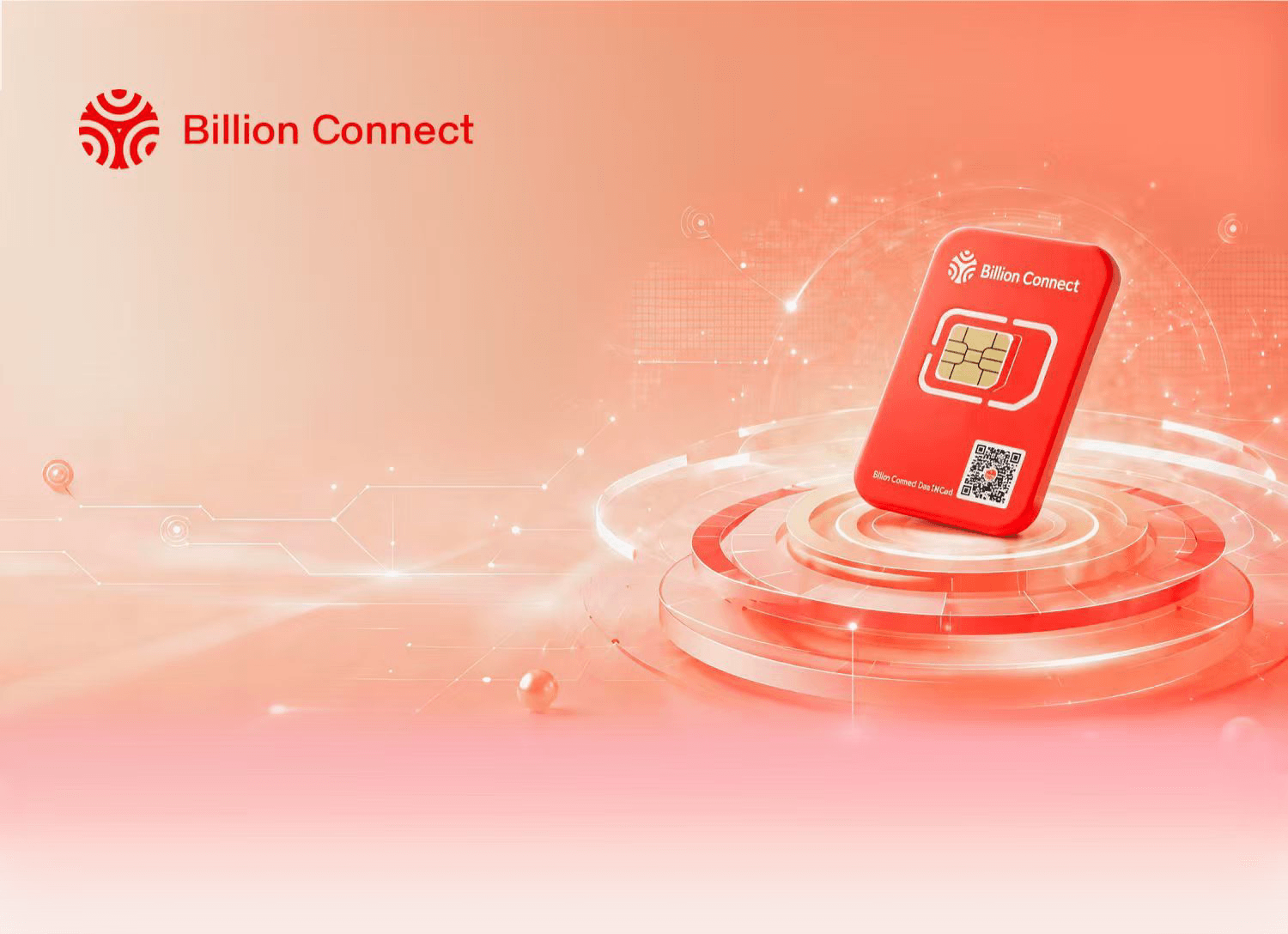
SIM Card User Guide
One SIM. Stay connected to the world.

 Plug & Play
 Premium Carriers
 Real-time Inquiry
 Easy Top-up
How to Use Your SIM Card
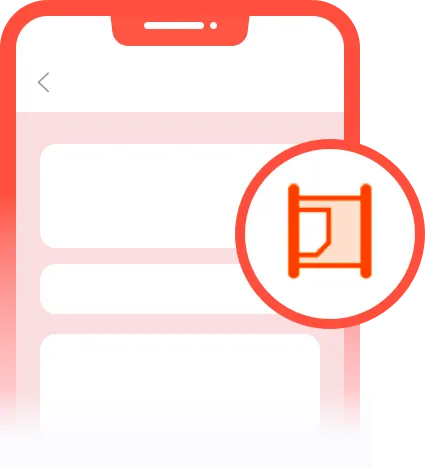
1 Insert the SIM Card
Upon arrival at your destination, insert the BC SIM card and power on your phone. If using a dual-SIM phone, please insert it into the Primary Slot (SIM 1).
2 Enable Settings
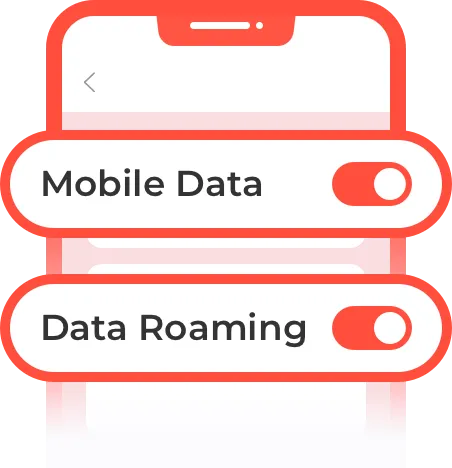
Go to your phone settings and turn on [Mobile Data] and [Data Roaming] for this SIM card.
3 Start Surfing
The card will automatically connect to the local network. Enjoy your connected journey!

Manage / Top-up